
Changing on the web
Visit https://microsoft365.com to login to your Microsoft 365 account.
At the bottom-left of the screen you should see a circle icon with your profile picture, or your initials. Clicking on this will bring up a small menu box:
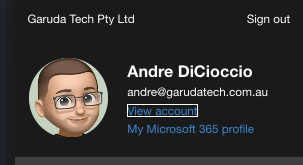
On this, select "View Account" which will take you to your account settings menu.
On that, you can select "Password" from the menu on the left:
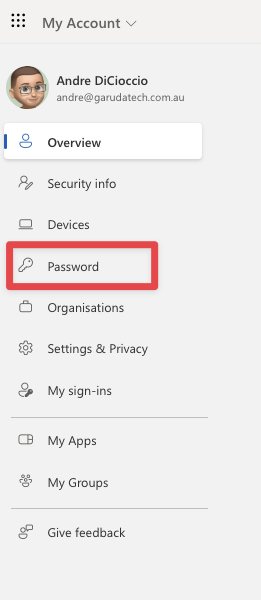
Here, you will be able to set a new password for your account.
Make sure to remember it!